struct Snapshot {
  let title: String
  let theme: Theme
}
Write or drop in code
Start typing, paste a snippet, or drop in a source file. Oktoshot detects the language and highlights it as you work.
A native code screenshot studio for Mac
Create polished code screenshots without leaving your desktop. Beautiful defaults, precise controls, zero accounts.
macOS 15 or later Apple silicon & Intel Free essentials forever
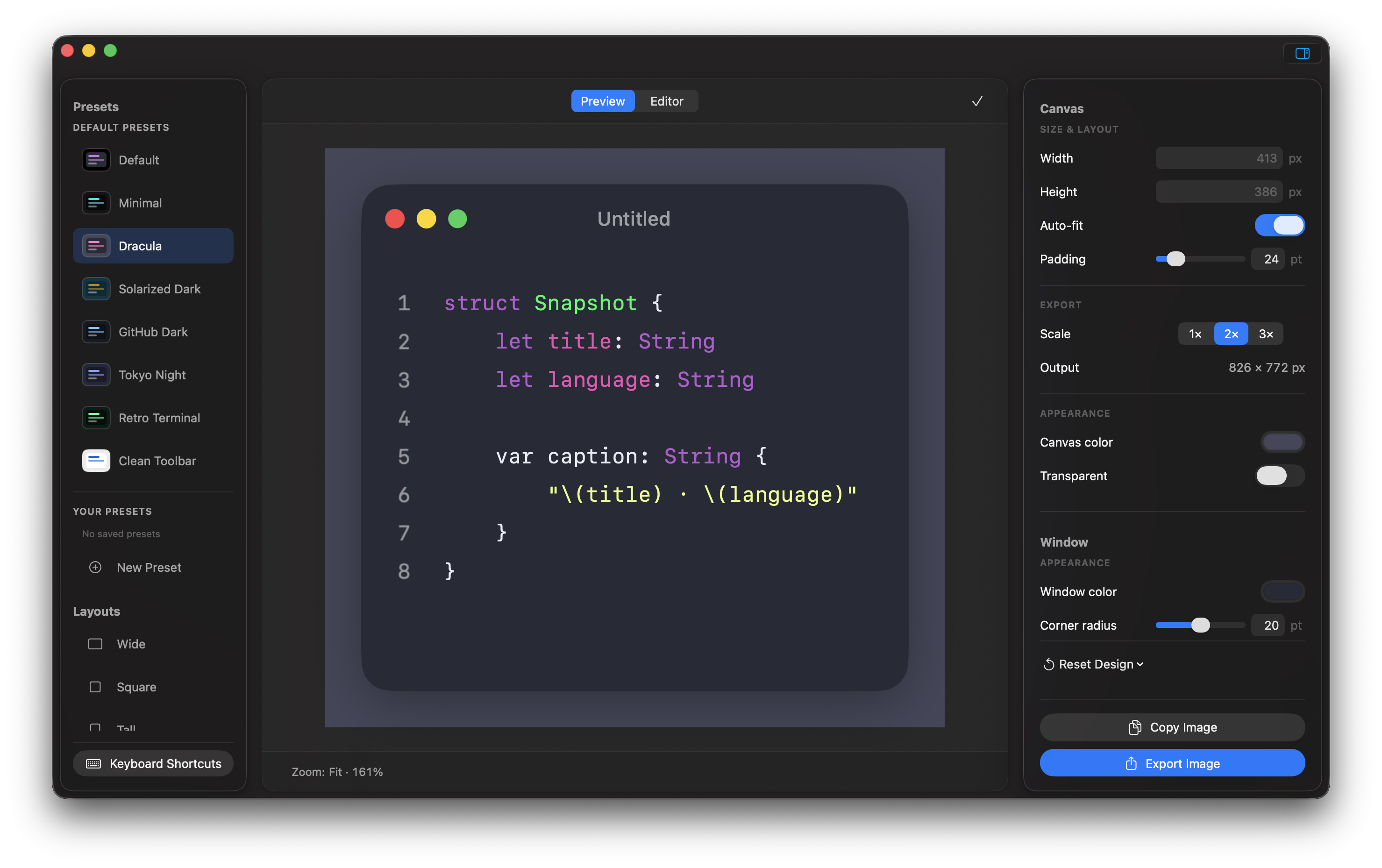
From raw code to ready-to-share
struct Snapshot {
let title: String
let theme: Theme
}Start typing, paste a snippet, or drop in a source file. Oktoshot detects the language and highlights it as you work.
Choose a theme, title bar, canvas size, padding, border, shadow, and export scale—with every change reflected live.
Copy straight to the clipboard or export crisp PNG and JPEG images at 1× or 2× resolution.
Power when the work gets serious
Oktoshot Pro adds repeatable workflows for documenting, explaining, and exporting code—without sending your source to a web service.
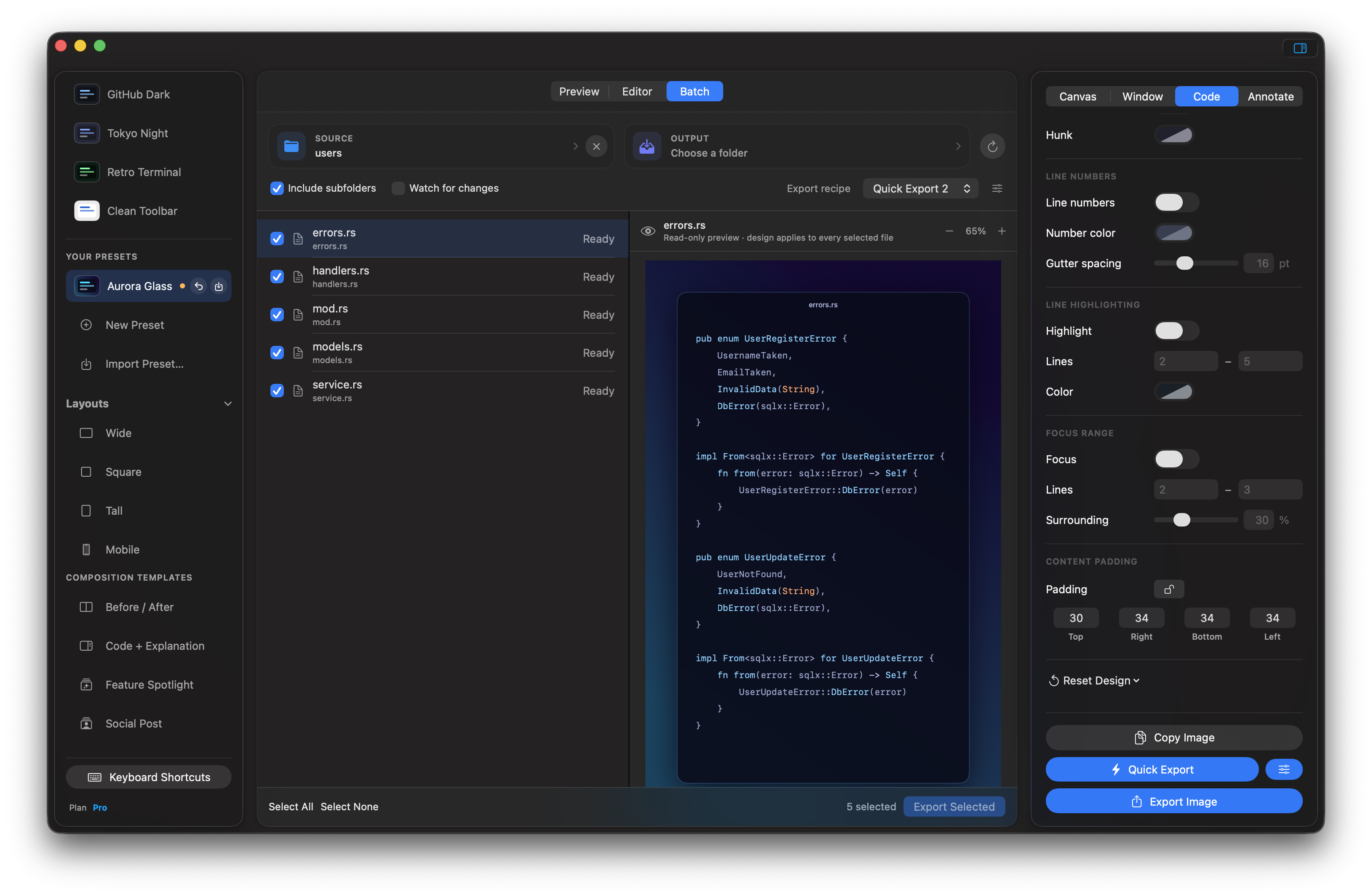
Turn a folder of source files into a consistent set of images, with per-file previews and one-click export.
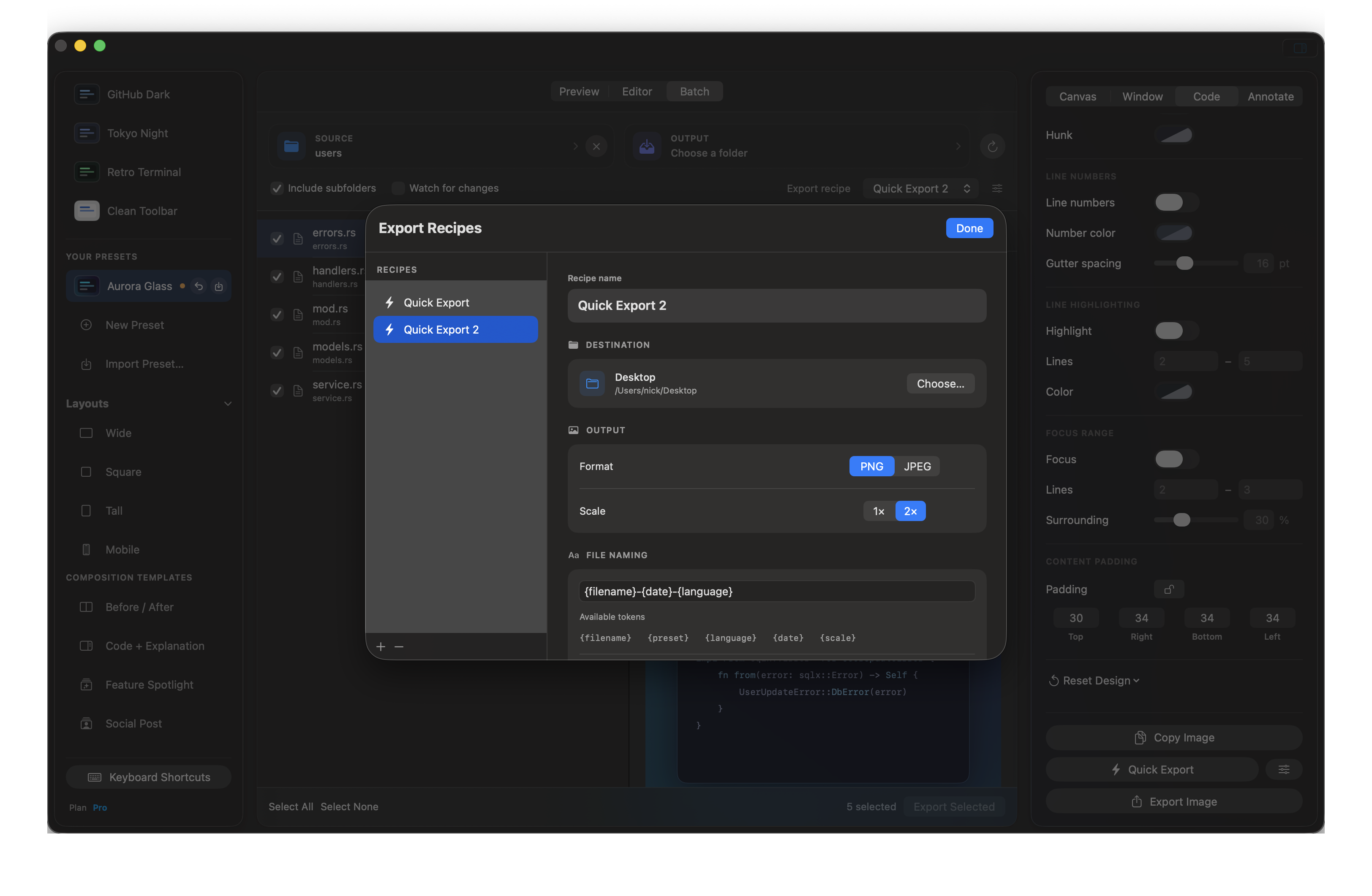
Save destination, format, scale, naming tokens, and conflict handling once—then reuse the recipe everywhere.
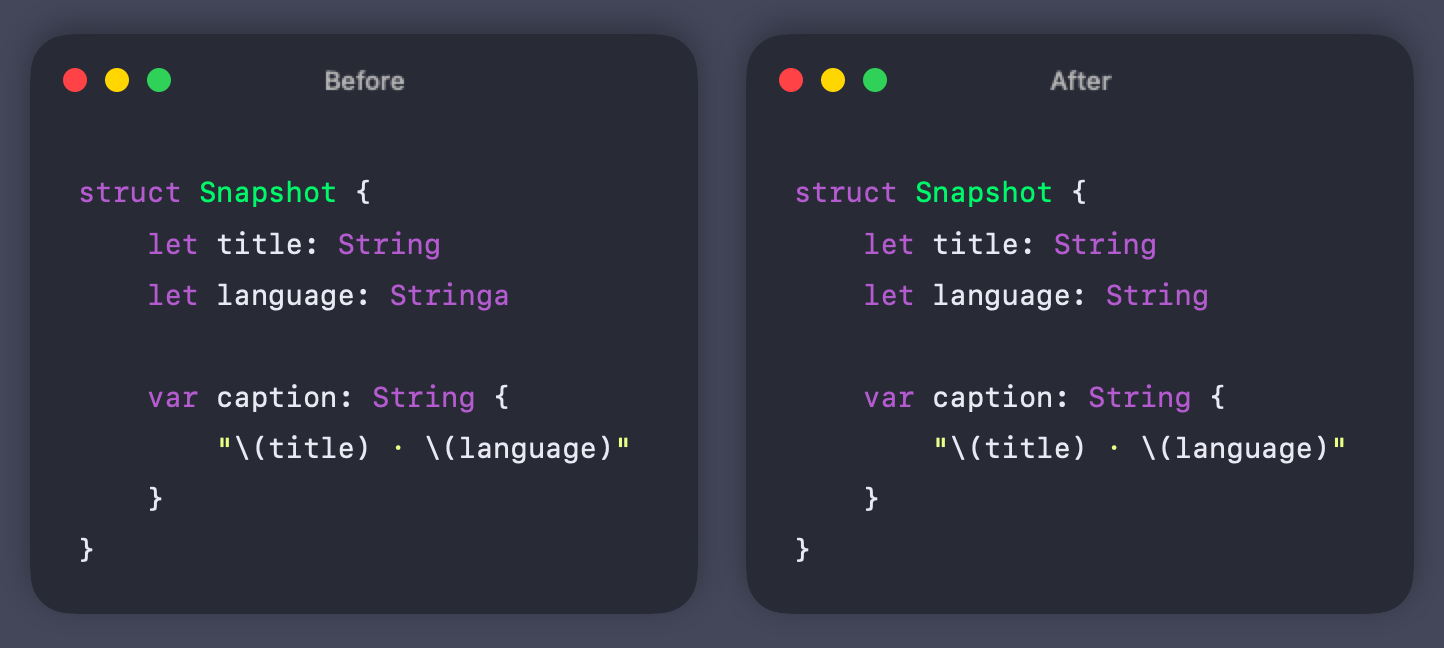
Build before-and-after comparisons, code explanations, feature spotlights, and social-ready layouts.
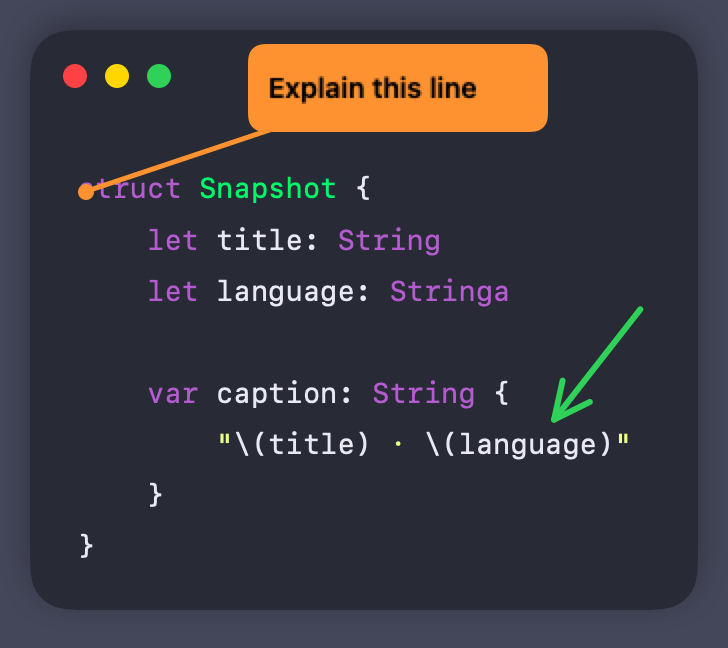
Add callouts and arrows directly to the canvas so the important part of a snippet is impossible to miss.
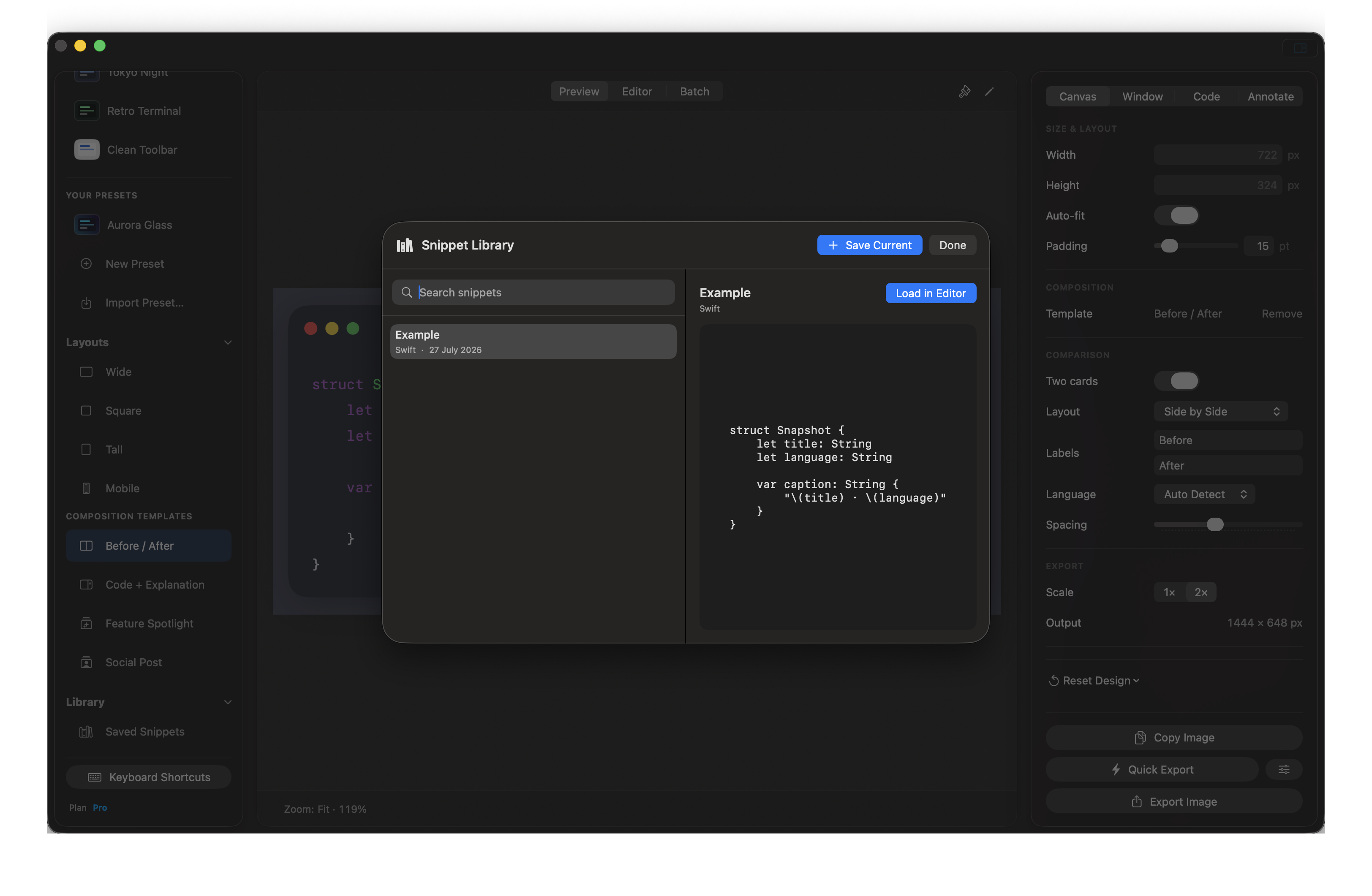
Keep useful examples in a private, local library and bring any of them back into the editor in seconds.
Package a complete look as JSON, move it between Macs, or share it with a team.
Keep the selected lines crisp while surrounding code recedes naturally—without covering the canvas.
Emphasize a continuous range—even across blank lines—with a color tuned to your design.
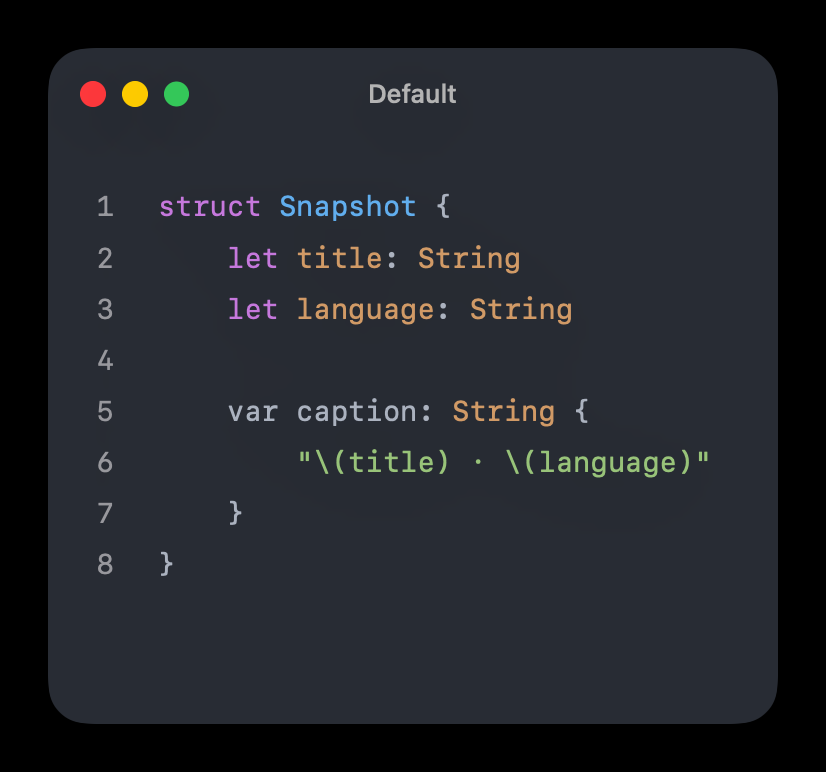
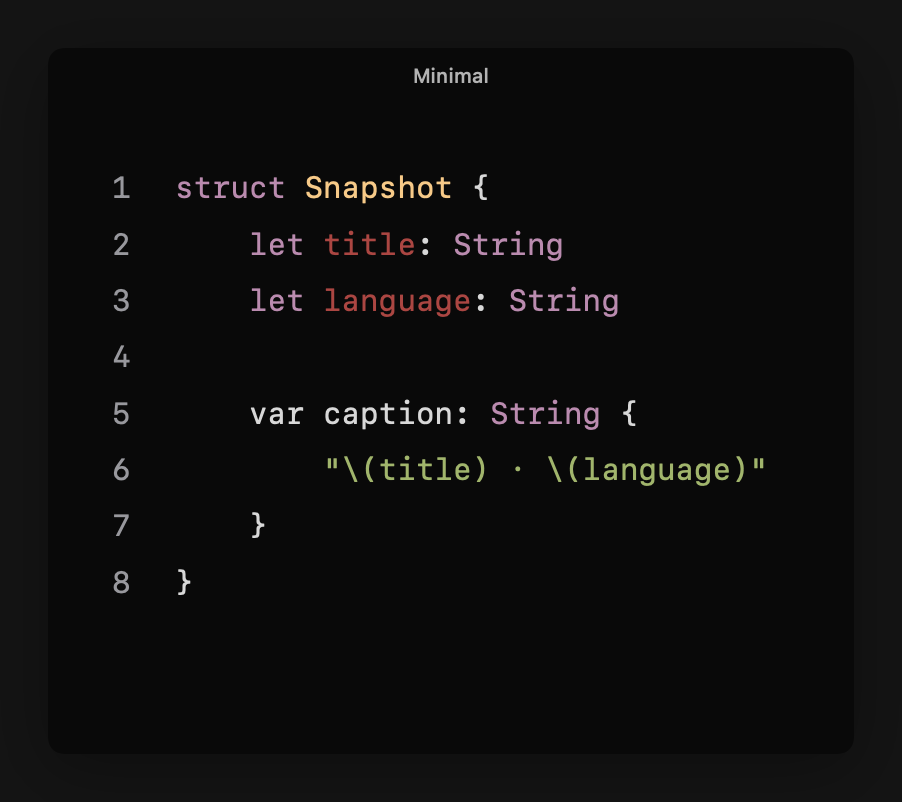
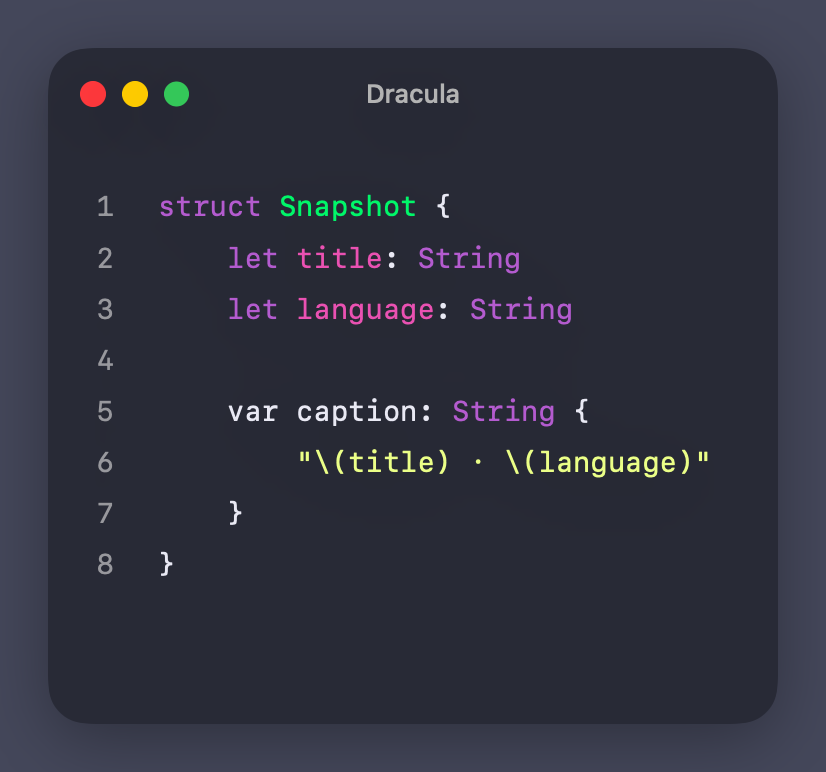
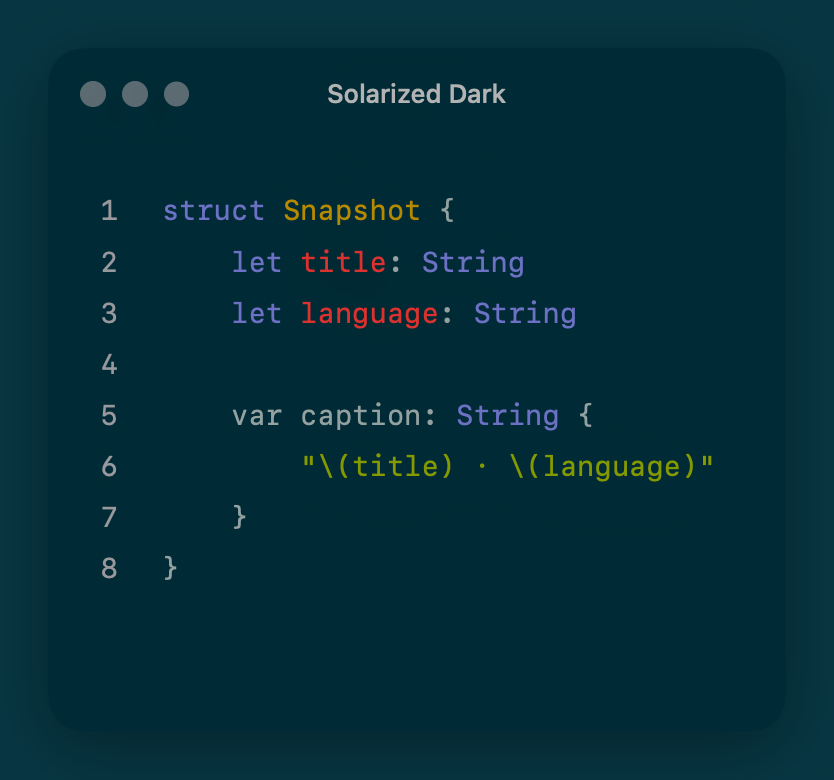
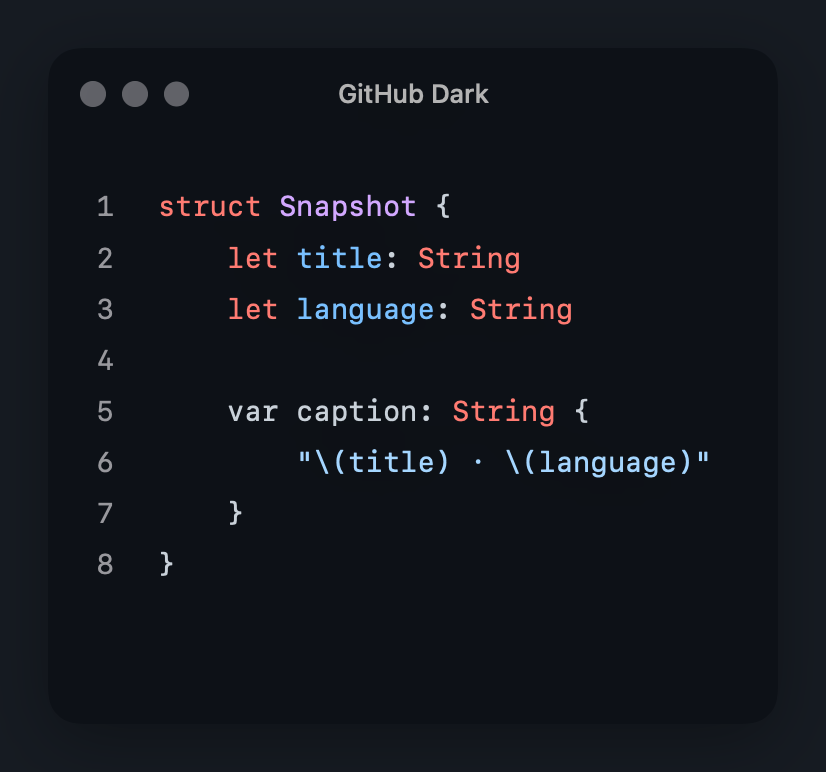
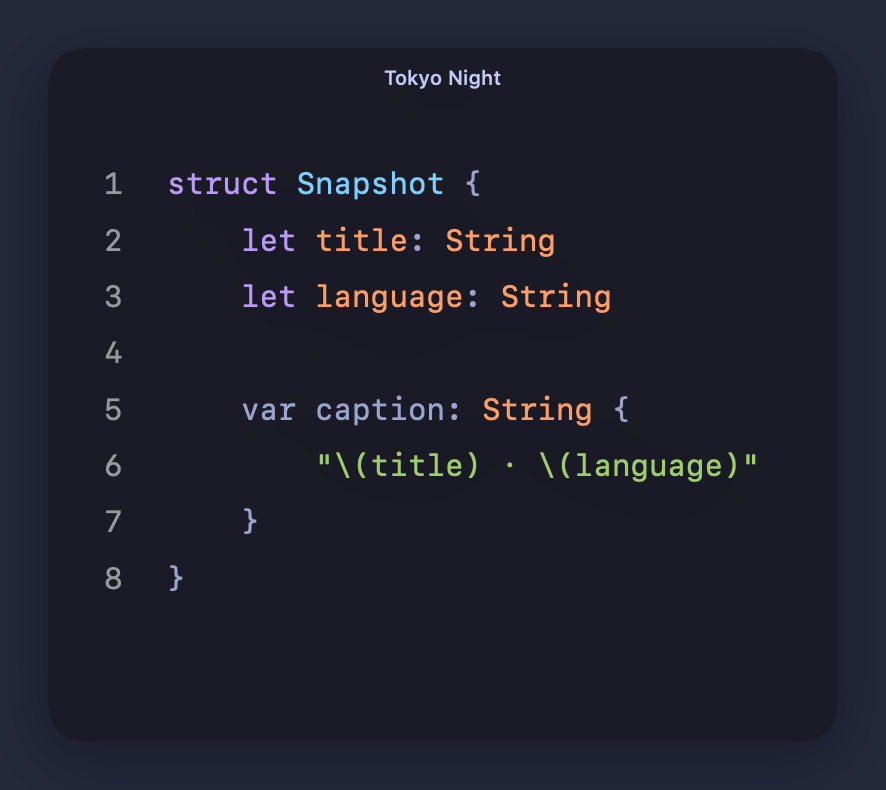
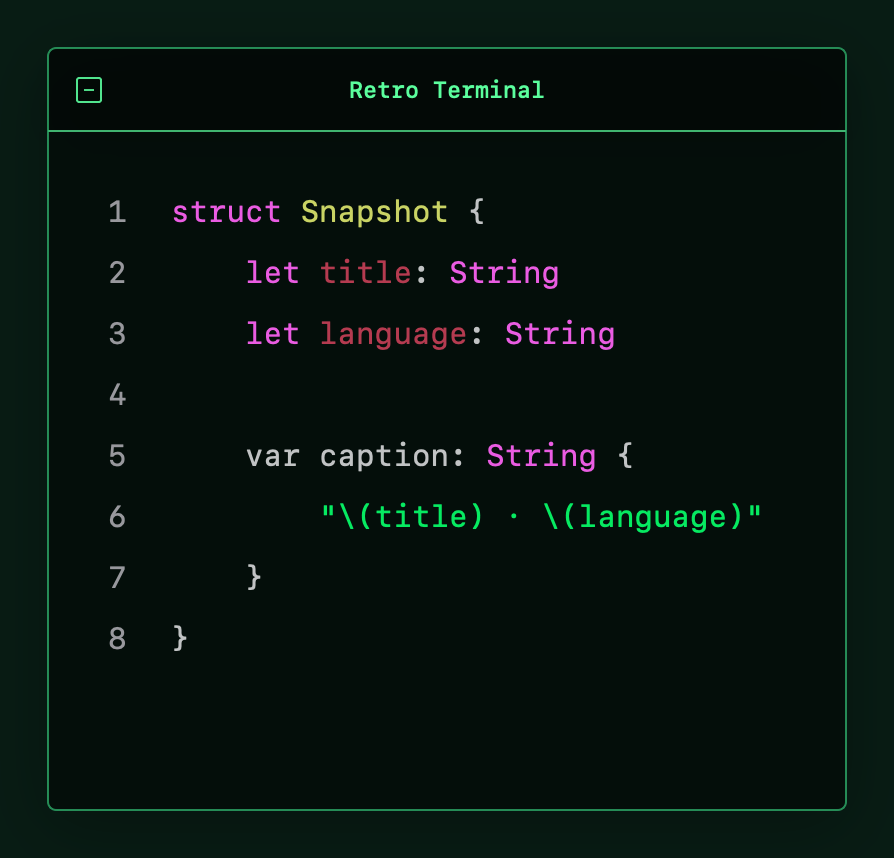
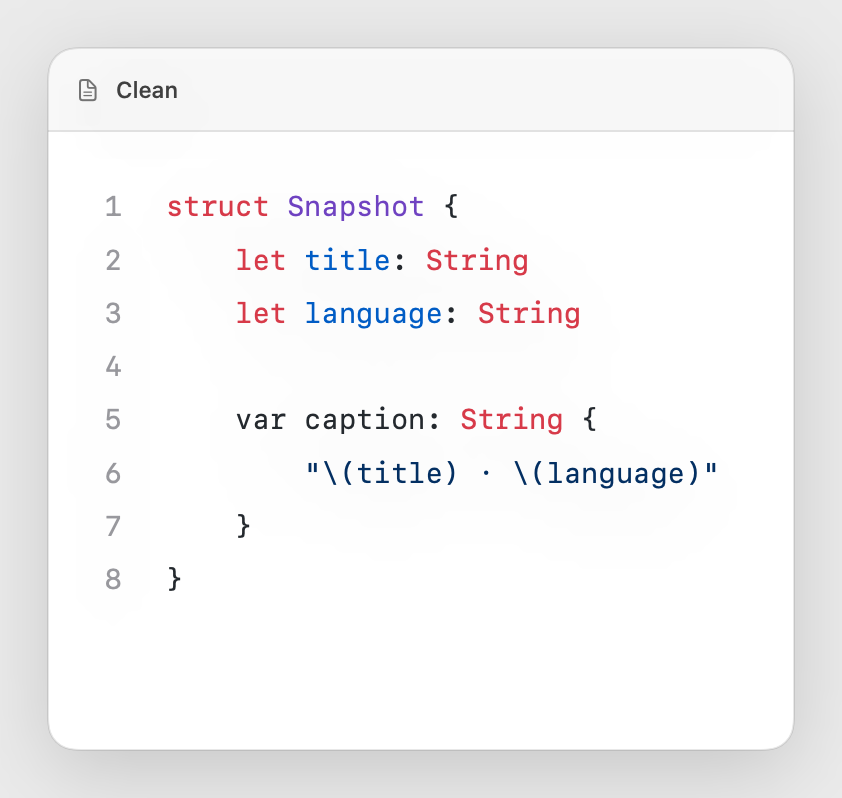
Real output from Oktoshot
Every example below comes directly from the current app. Pick a preset, adjust the details, and save your own reusable variation.
A fair way to build software
The complete code-screenshot workflow stays free forever. Pro adds advanced styling, reusable workflows, and automation—with one purchase, not another subscription.
Everything you need to create and export a polished shot.
More creative control and faster repeatable workflows.
Built for the Mac you already use
Oktoshot is coming soon for macOS 15 and later. No account, no subscription, no watermark.
Get launch updates